
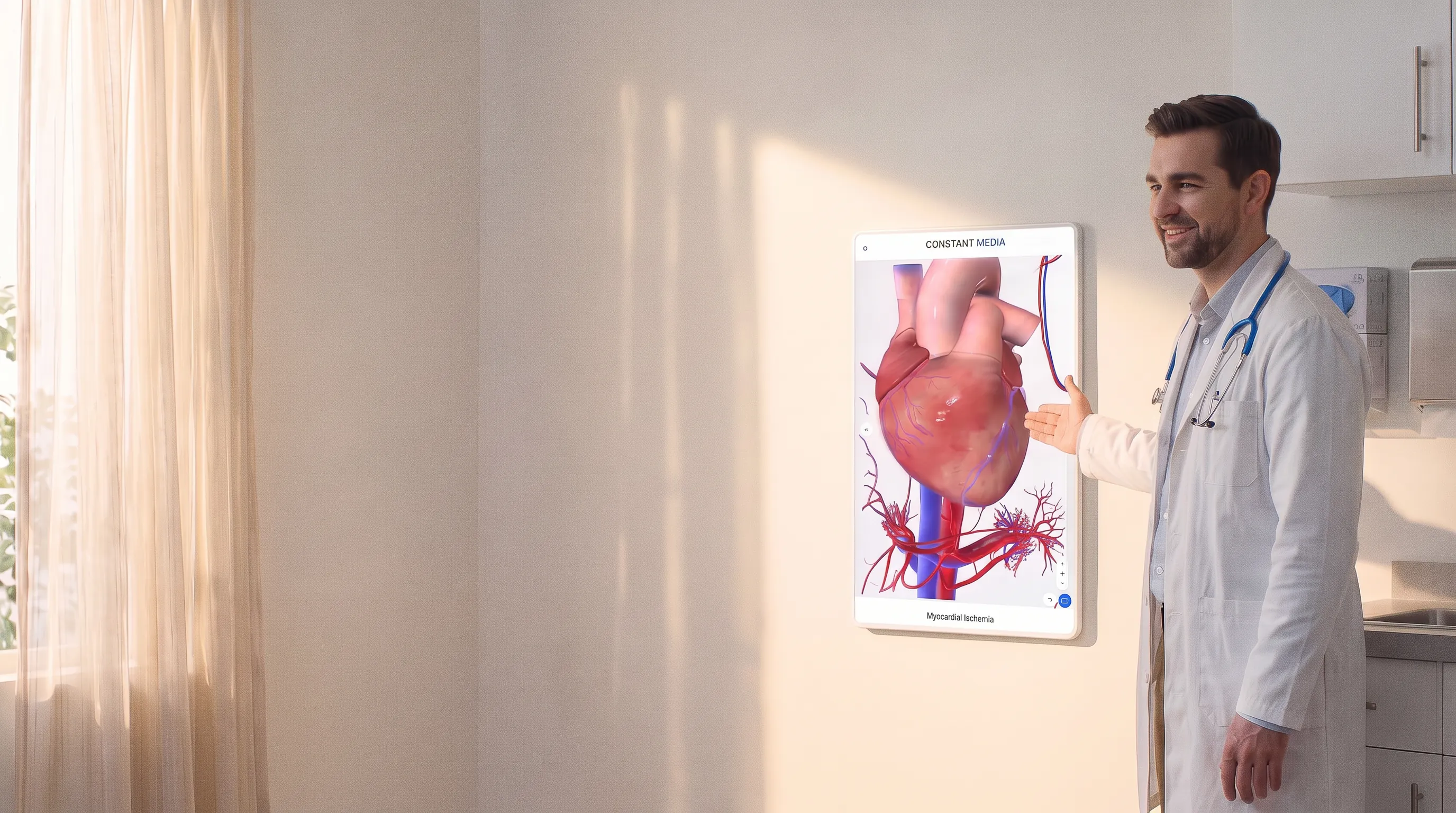
Interactive Exam Room Wallboards
Bring the conversation into view. Interactive wallboards give providers visual tools to explain conditions and help patients ask more informed questions.
Equipment, installation and ongoing support all provided for free.
Features
Interactive 3D Anatomy
Rotate, zoom and select structures so patients can see what you are describing.
Customizable Content Loop
Rotating content loop displays educational and custom office content to patients while they wait to see their provider.
Mirror Your Devices To Screen
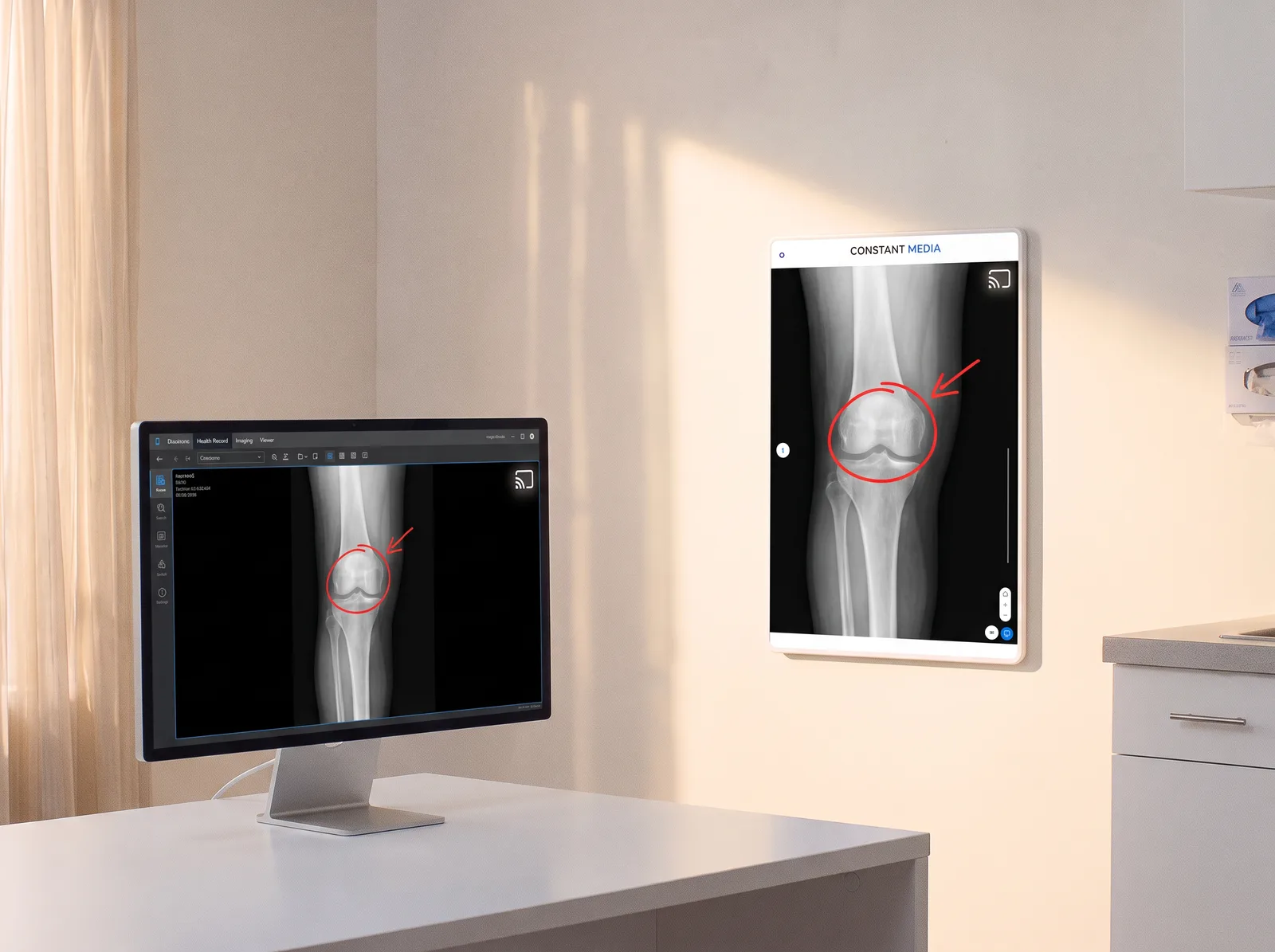
Share patient images and scans from EHR to the screen via the Screen Share app.
3D Anatomy App
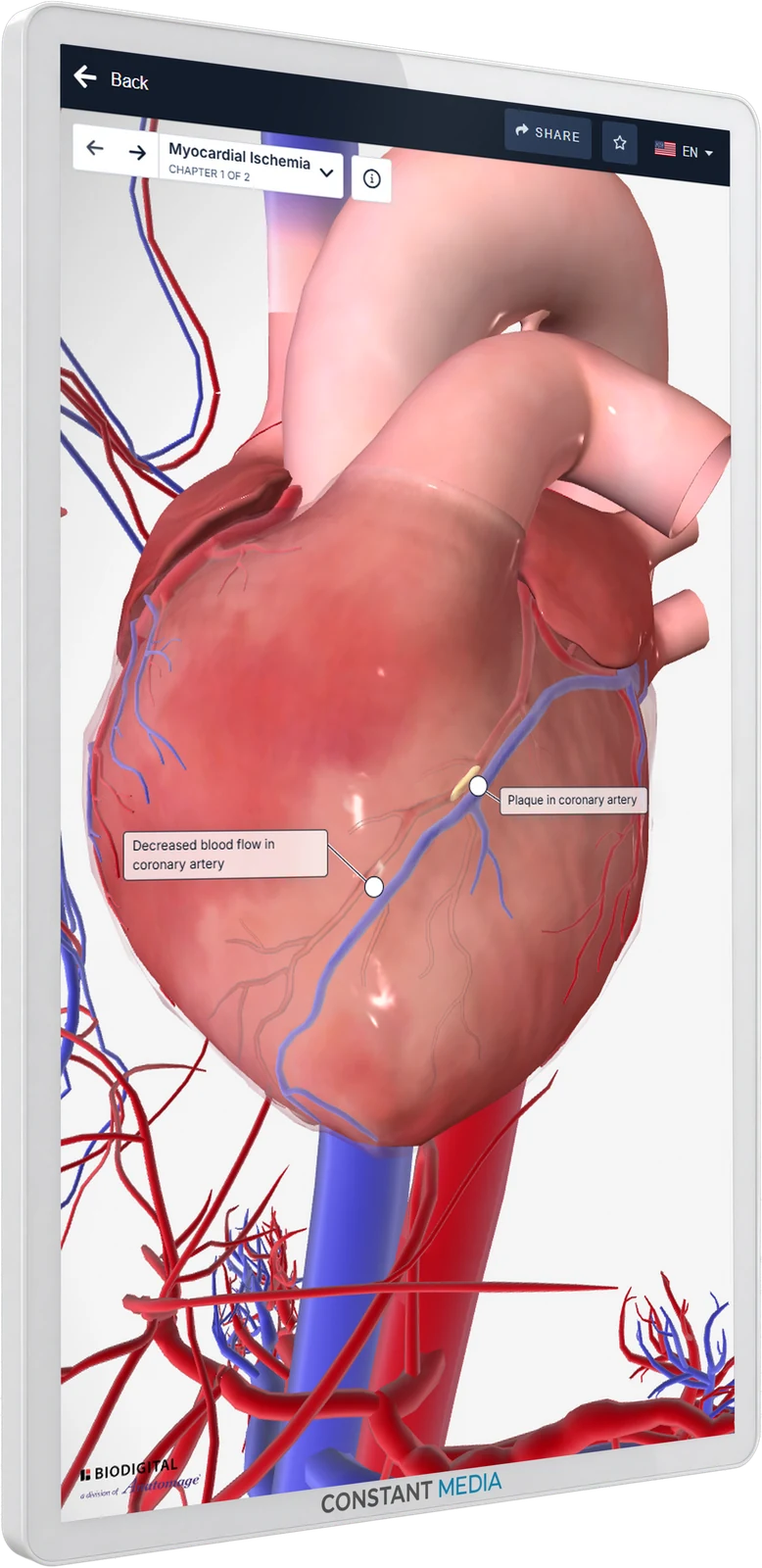
Constant Media has partnered with BioDigital to offer the most robust 3D human anatomy app in the point of care space. Help patients visualize their anatomy, health conditions and treatments using thousands of 3D anatomical models. Zoom, rotate and draw on the screen to show affected areas and explain procedures.
- Thousands of 3D modelsThousands of interactive 3D models from full male and female complete anatomy to 19 different specialty specific conditions.
- Explore every structureRotate, zoom in and out, and dissect through superficial anatomy to study deep and hidden structures, or see structures in complete isolation.
- Select and focusHighlight the area you are discussing.
- Conditions and animationsStudy detailed information, learn about specific pathologies, conditions and disease animations.
- Draw and annotateAnnotate and draw on top of the 3D models to show affected areas and explain procedures.
- Share with patientShare the full model and any drawings or notes via email or QR code with patient.
Try It Now
Test Out The Anatomy App For Yourself
Explore an interactive 3D model. Rotate, zoom, and select anatomy to see how a visual can support your explanation.
Start exploring
- Drag to rotate the model.
- Scroll or pinch to zoom.
- Select a structure to learn more.

Additional Features
Screen Share App
Mirror a PC, phone or tablet screen to the exam room wallboard. Share patient images and scans from the EHR directly on the screen, draw on top of them, and email them to the patient right from the wallboard.
- Mirror a PC, phone or tablet
- Show patient images and scans from the EHR
- Draw on top of what you share
- Email it to the patient from the screen
On Demand Content
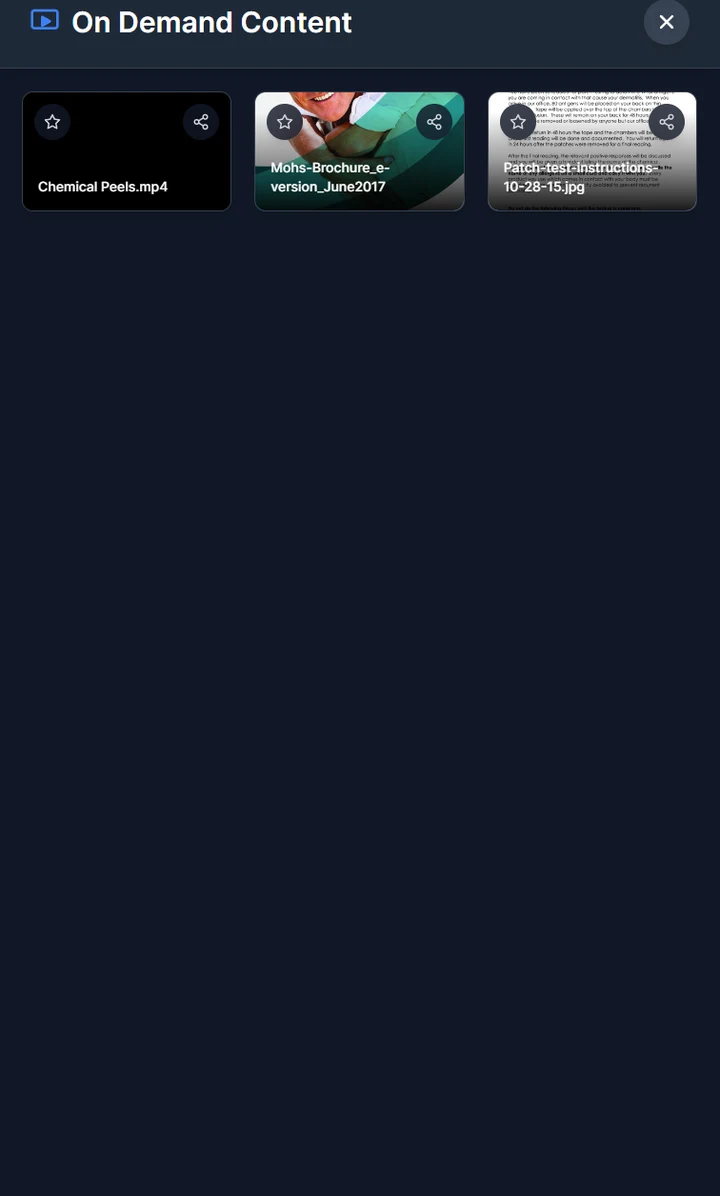
Pull up videos, PDFs or image files on demand and display them on the screen for patients during the visit.
- Videos
- PDFs and brochures
- Images
Completely Customizable
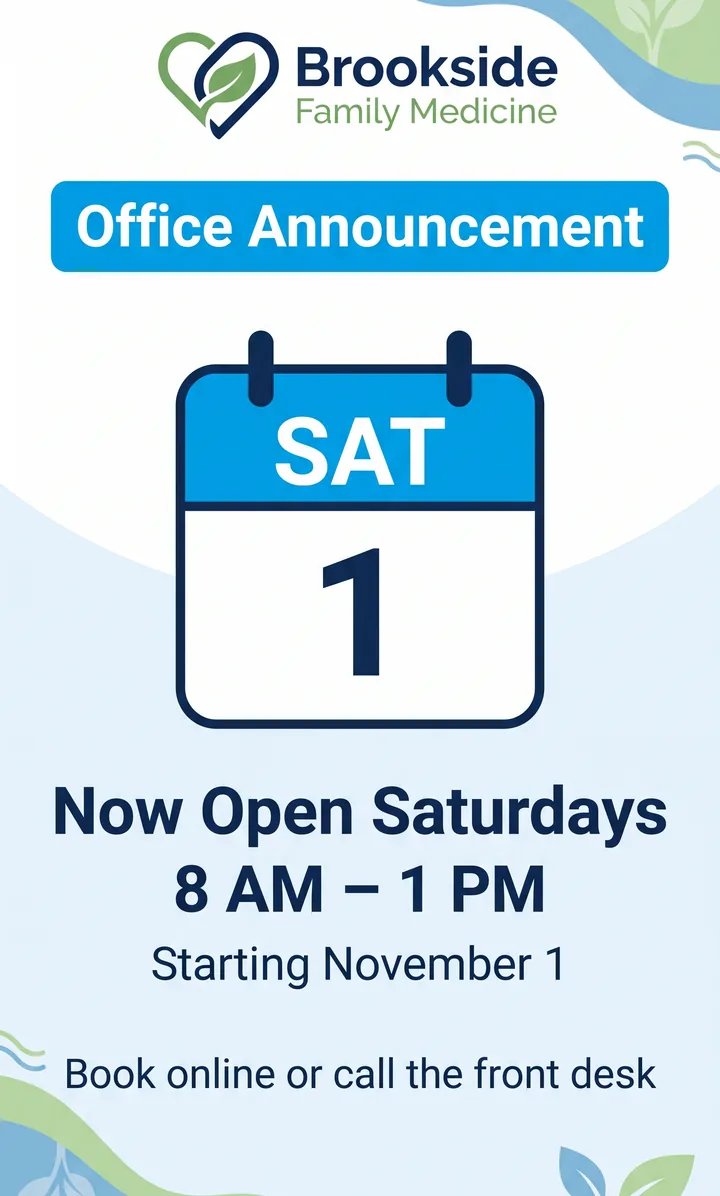
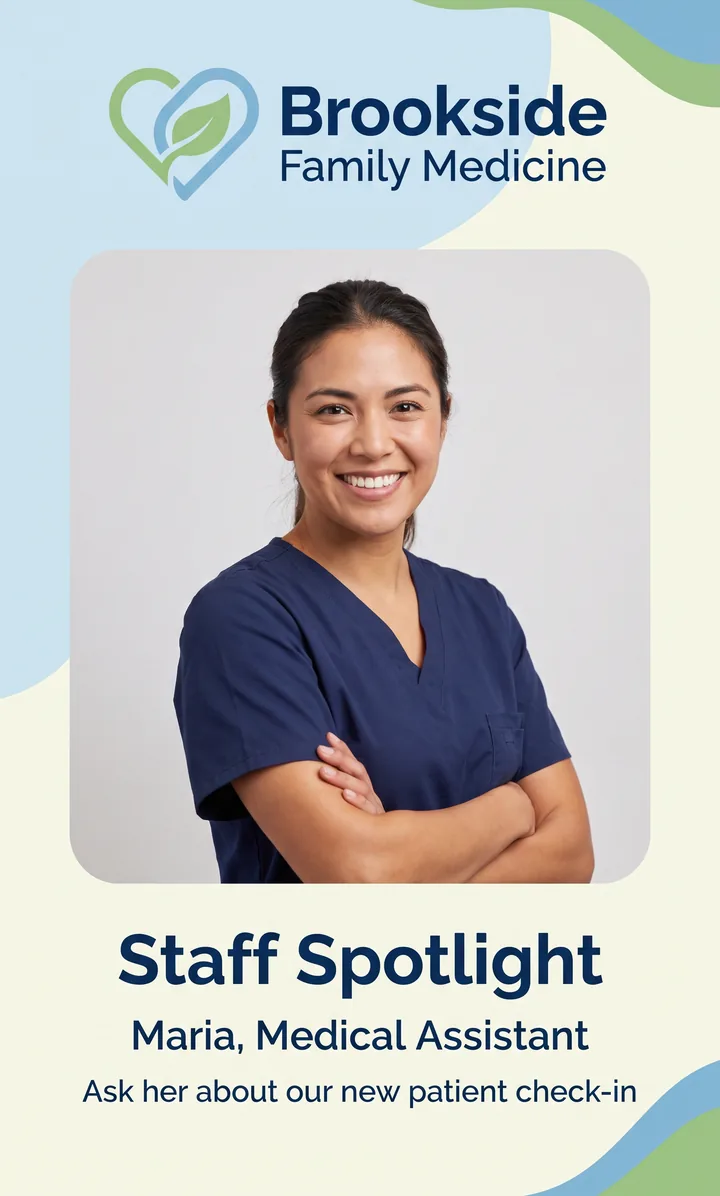
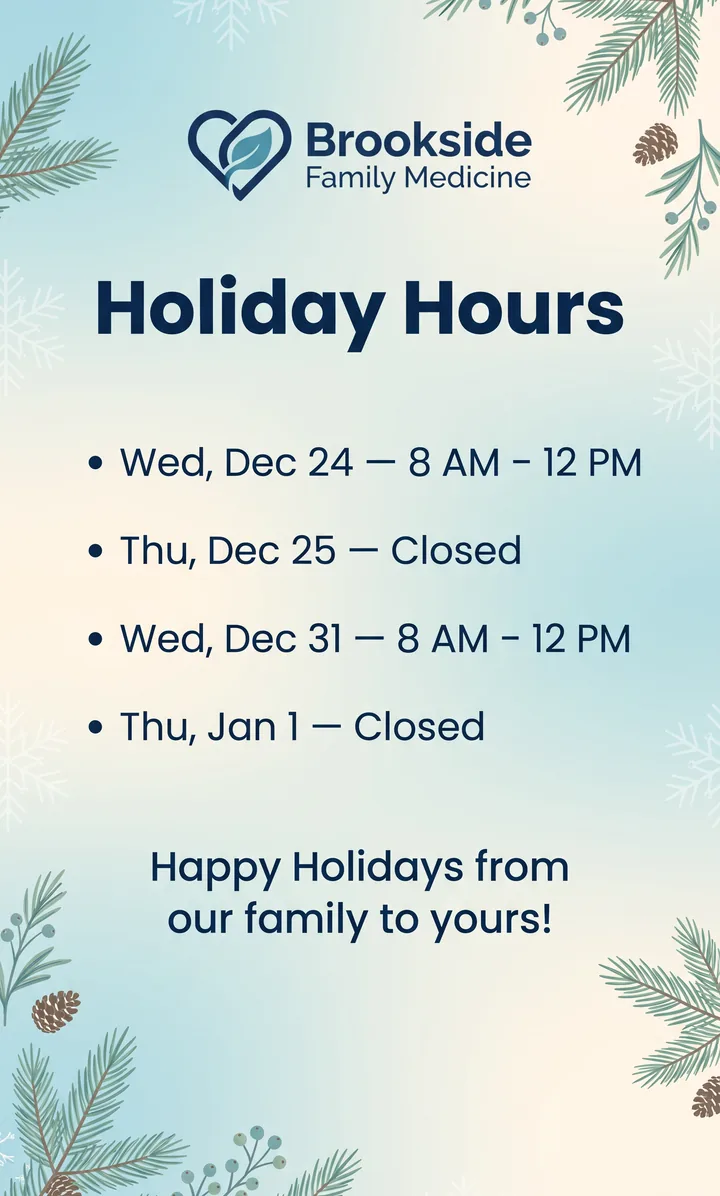
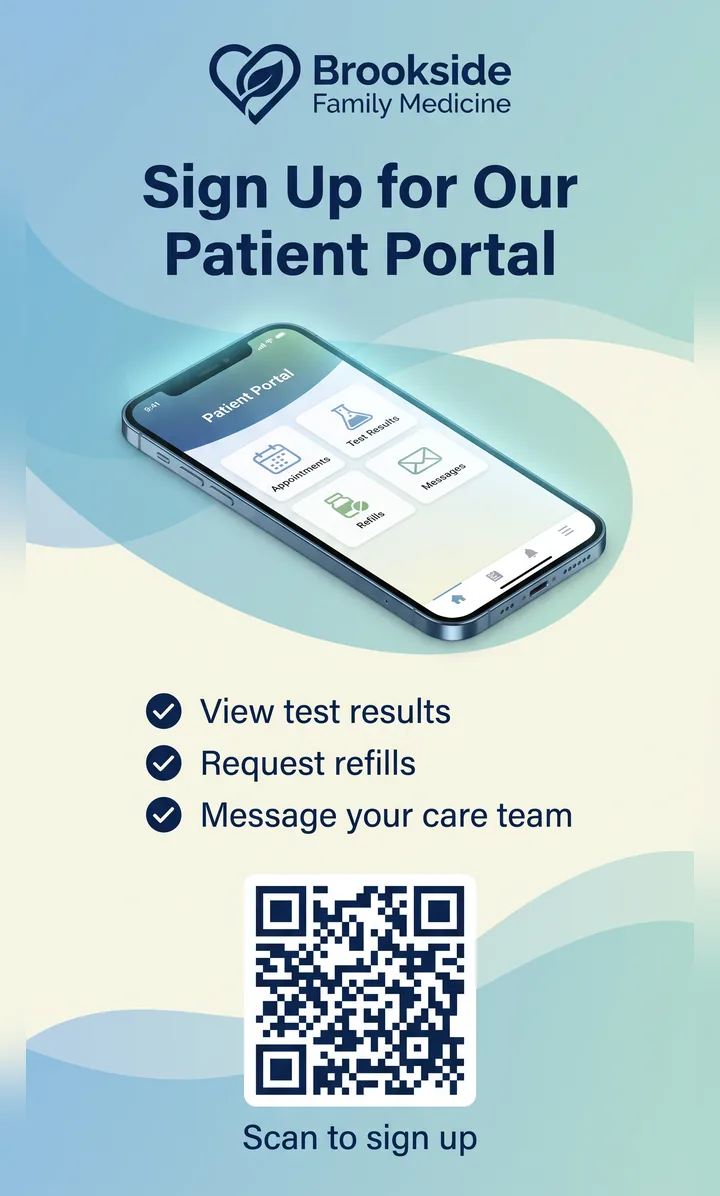
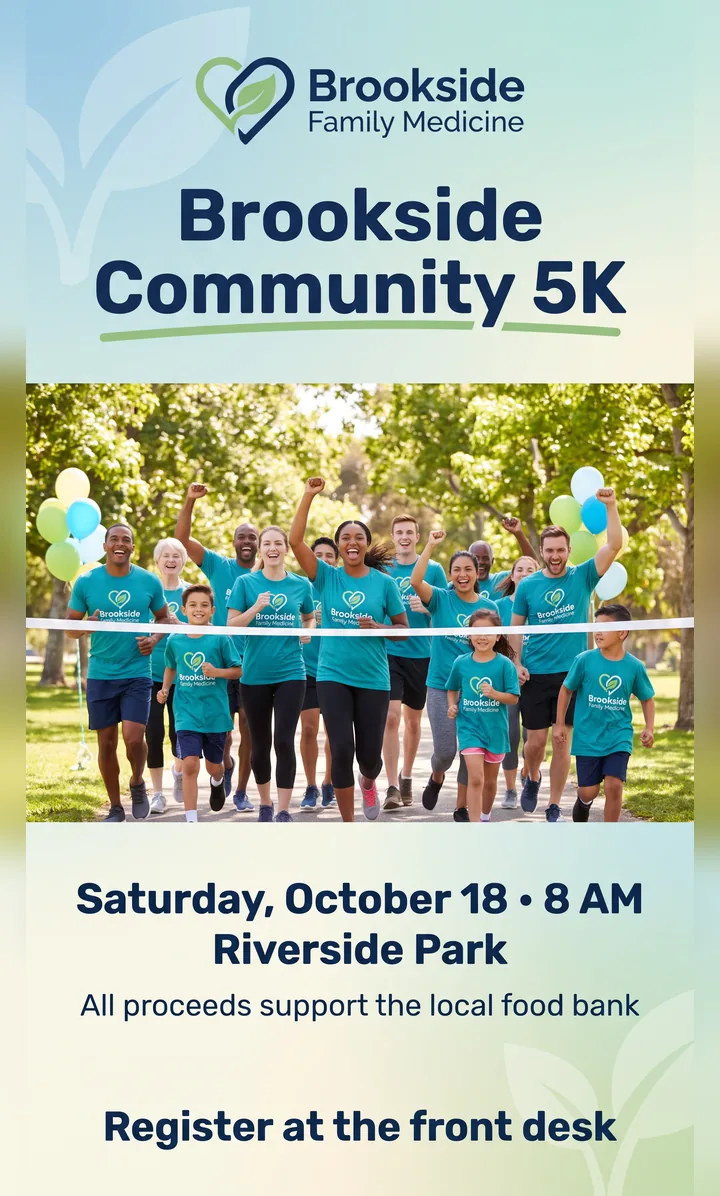
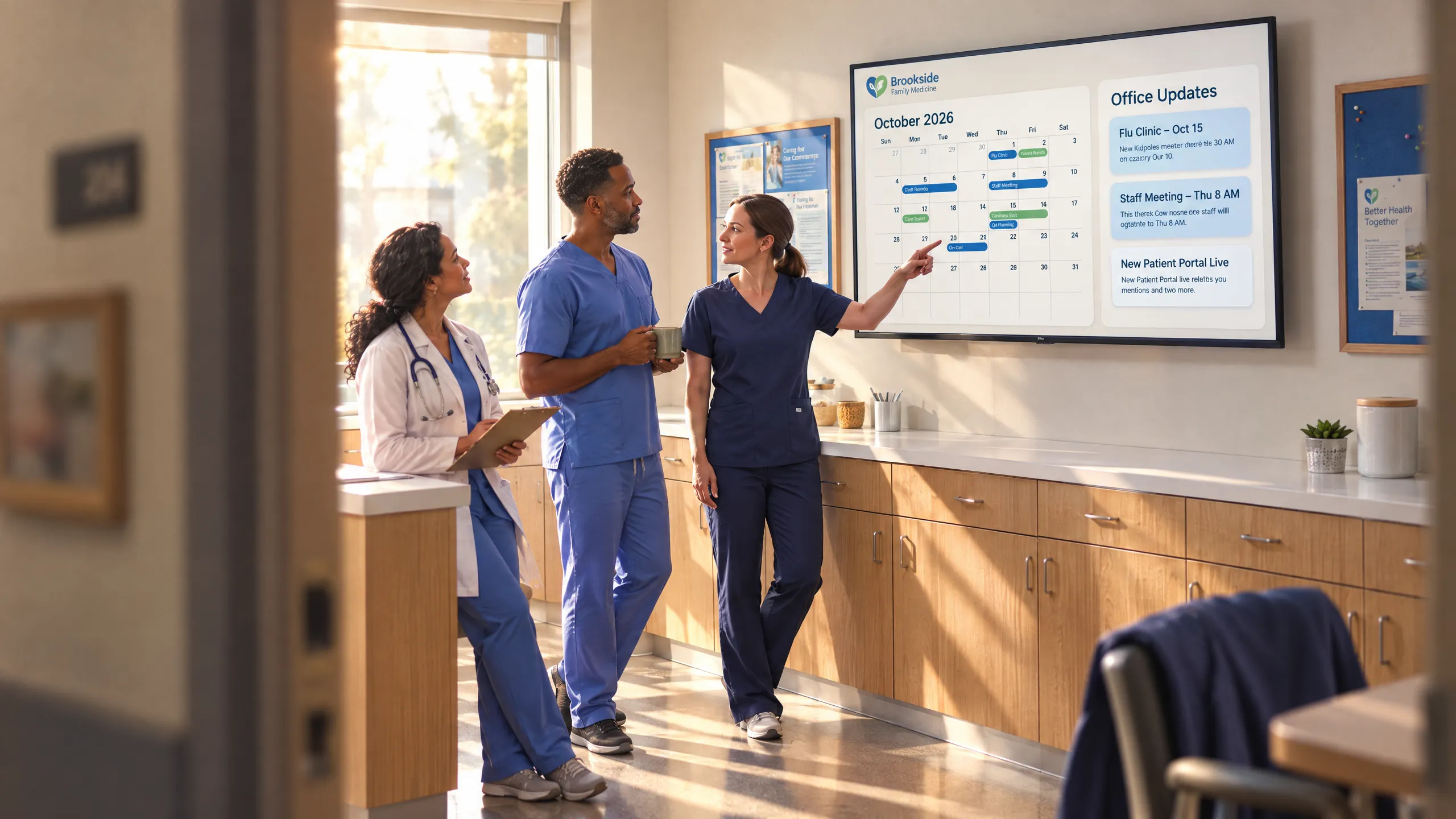
You can fully personalize your screens with branded messaging, spotlight staff, or display important information and other custom content or use our local weather and news widgets.




Content Portal
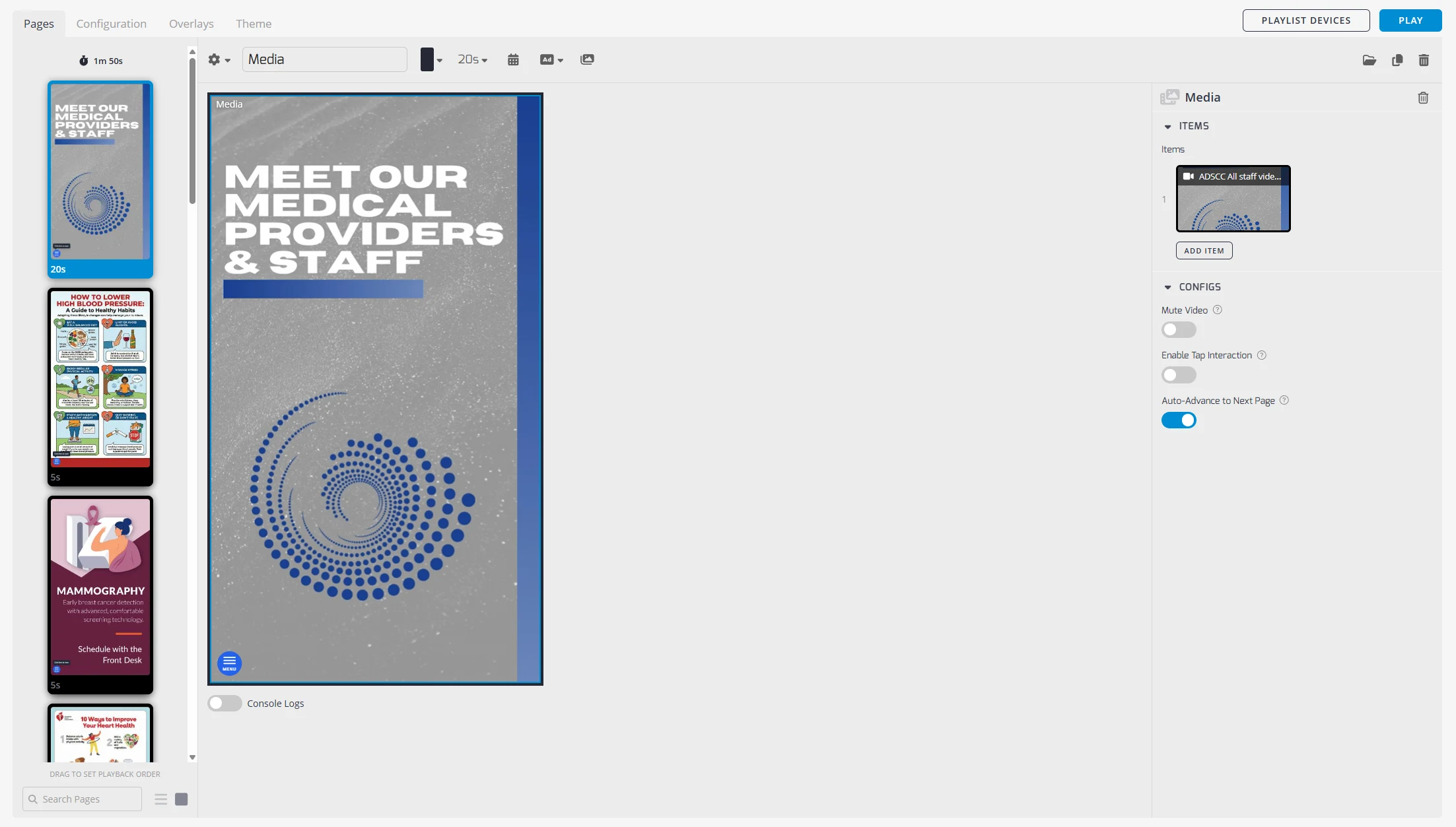
Build your own custom playlists using our content management portal. Upload your own media or choose from our large educational content library.

How it works
You focus on care. We handle the screens.
Getting started takes a short conversation. Everything after that is on us.
- 01
Tell us about your practice
We’ll help you explore the tools that fit your space and your team.
- 02
We handle the setup
Equipment and professional installation are included, with support along the way.
- 03
Make the most of every screen
Bring patient education into your daily workflow, with ongoing management and help.
Let’s start a conversation
A better patient experience starts here.
Tell us a little about your practice. We’ll help you find the right education tools for your space.
- No payment information, ever
- Equipment and installation included
- Real people here to help
- info@constant-media.com
- (973) 987-4177
- 155 Willowbrook Blvd., Ste. 460
Wayne, NJ 07470
Get started for free
Share a few details and our team will follow up.